



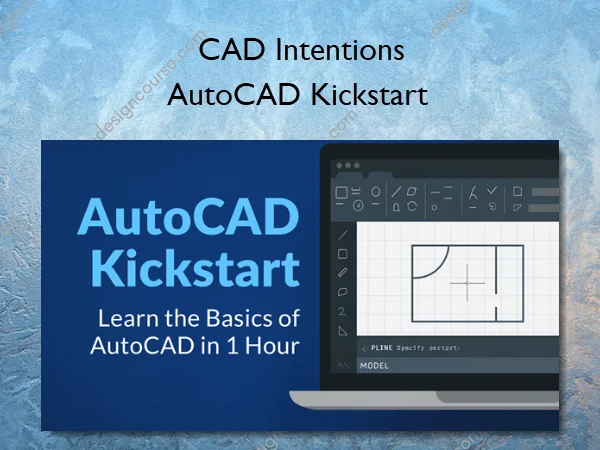
AutoCAD Kickstart – CAD Intentions
Learn the Basics of AutoCAD in Just 1 Hour — Even If You’ve Never Used It Before
Stop guessing your way through AutoCAD.
In less than an hour, you’ll finally understand how the software works and be confident enough to start your first real drawing — no prior experience required.
Who This Course Is For
- Brand-new AutoCAD users who just installed the free trial
- Designers, students, and engineers wanting a fast, no-fluff start to understand how AutoCAD works and the ability to communicate effectively with Drafters/Designers.
- Anyone who’s opened AutoCAD and felt completely lost
What You’ll Learn In CAD Intentions
1. Getting Started & Setup
- Tour the interface, opening/saving drawings, and create your first project.
- Know exactly where everything is, no more “where’s that tool?” or hesitation moments.
2. Drawing Tools Made Simple
- Lines, polylines, circles, trim, and offset.
- Build your first shapes and layouts from scratch.
3. Editing & Layers
- Move, copy, rotate, and organize with layers.
- Keep drawings clean and professional from day one.
4. Text & Dimensions
- Add notes, labels, and accurate measurements.
- Clearly Communicate with your drawings & designs.
5. Printing & Layouts
- Plot to PDF and set up your first drawing.
- Finish with a printable, share-ready drawing.
More courses from the same author: CAD Intentions
Sale Page: AutoCAD Kickstart – CAD Intentions
Related products
-53%

»Pre-Order
Original price was: $19.00.$9.00Current price is: $9.00.
-91%

»Pre-Order
Original price was: $149.00.$13.00Current price is: $13.00.
-64%

»Pre-Order
Original price was: $25.00.$9.00Current price is: $9.00.
-60%

»Pre-Order
Original price was: $119.00.$48.00Current price is: $48.00.
-60%

Original price was: $30.00.$12.00Current price is: $12.00.
-80%

»Pre-Order
Original price was: $49.00.$10.00Current price is: $10.00.
-93%

Original price was: $197.00.$13.00Current price is: $13.00.
-85%
Original price was: $85.00.$13.00Current price is: $13.00.